Fleet Manager
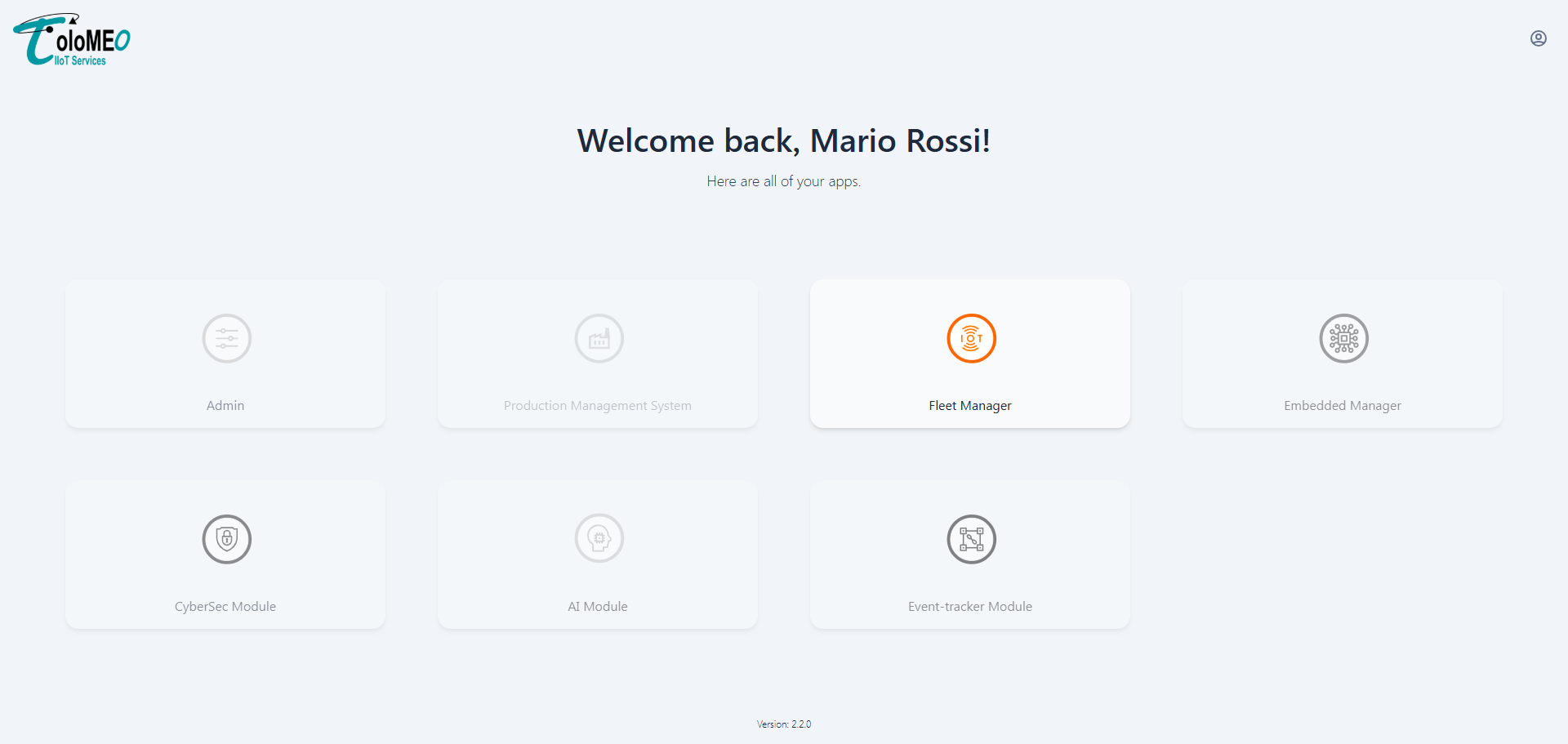
The Fleet Manager provides real-time monitoring and control of all provisioned devices belonging to a customer. It gives operators a live view of the fleet's connectivity status, firmware versions, telemetry data, and alarms, as well as the ability to send commands directly to individual devices.
Device list
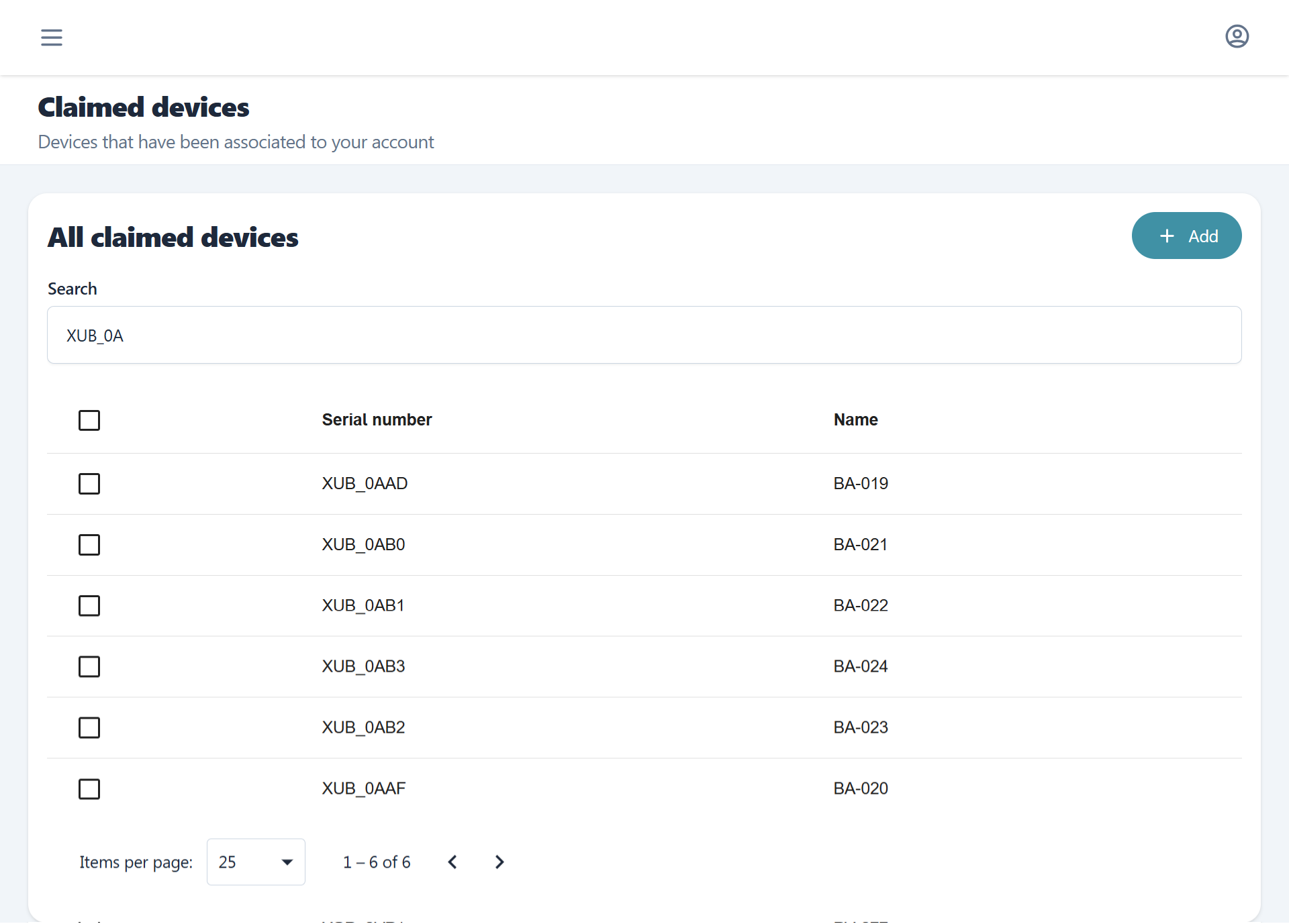
The main view shows all provisioned devices for the tenant with the option to search for them by name or serial. While also giving the option to provision new ones (view Provisioning flow).
Selecting a device opens its detail view.
Device detail
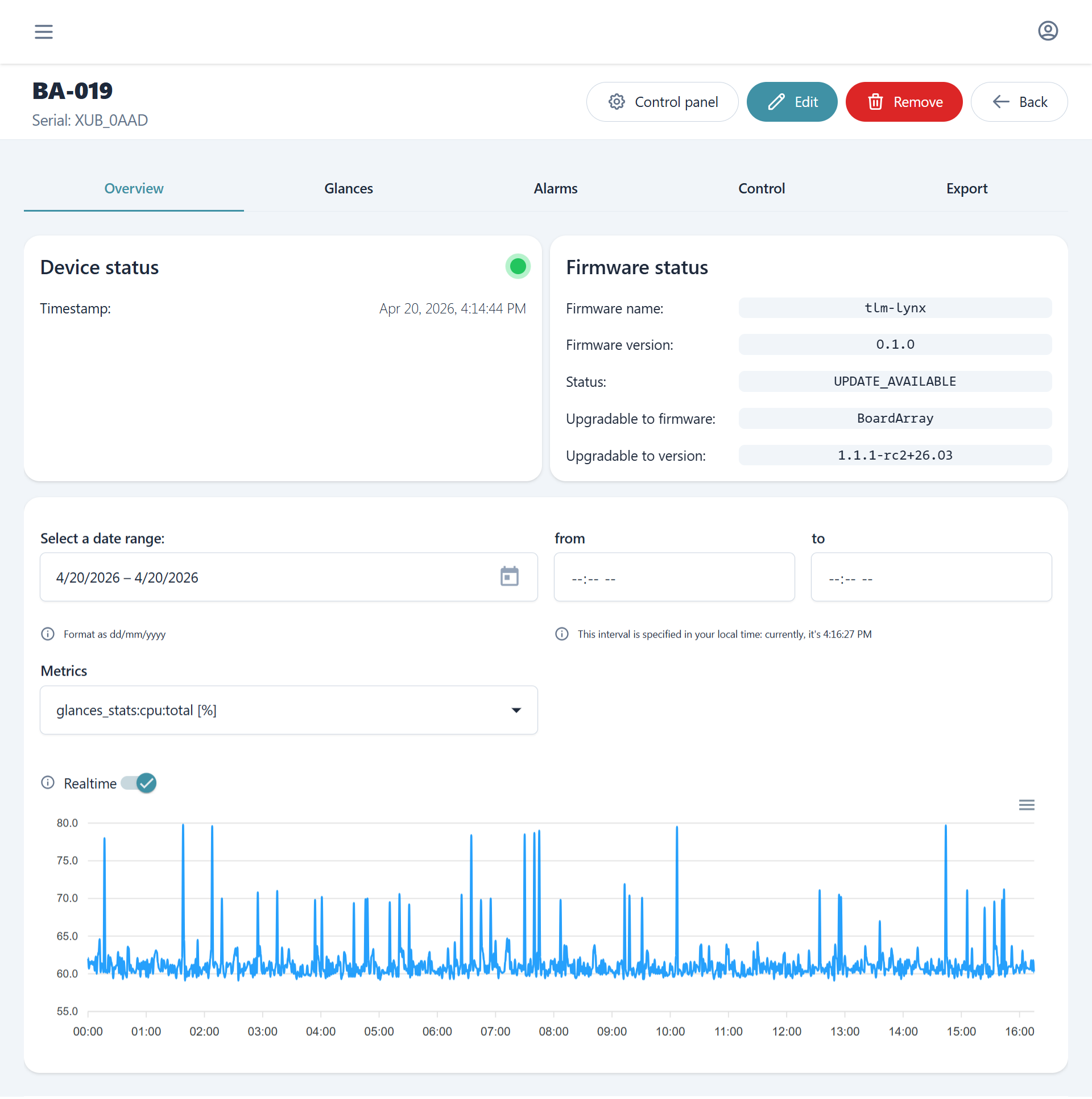
Each device has a dedicated page with:
| Section | Description |
|---|---|
| Overview | Current connectivity, firmware status and latest metrics charts |
| Glances | Historical of system status |
| Alarms | Device-level alarm events |
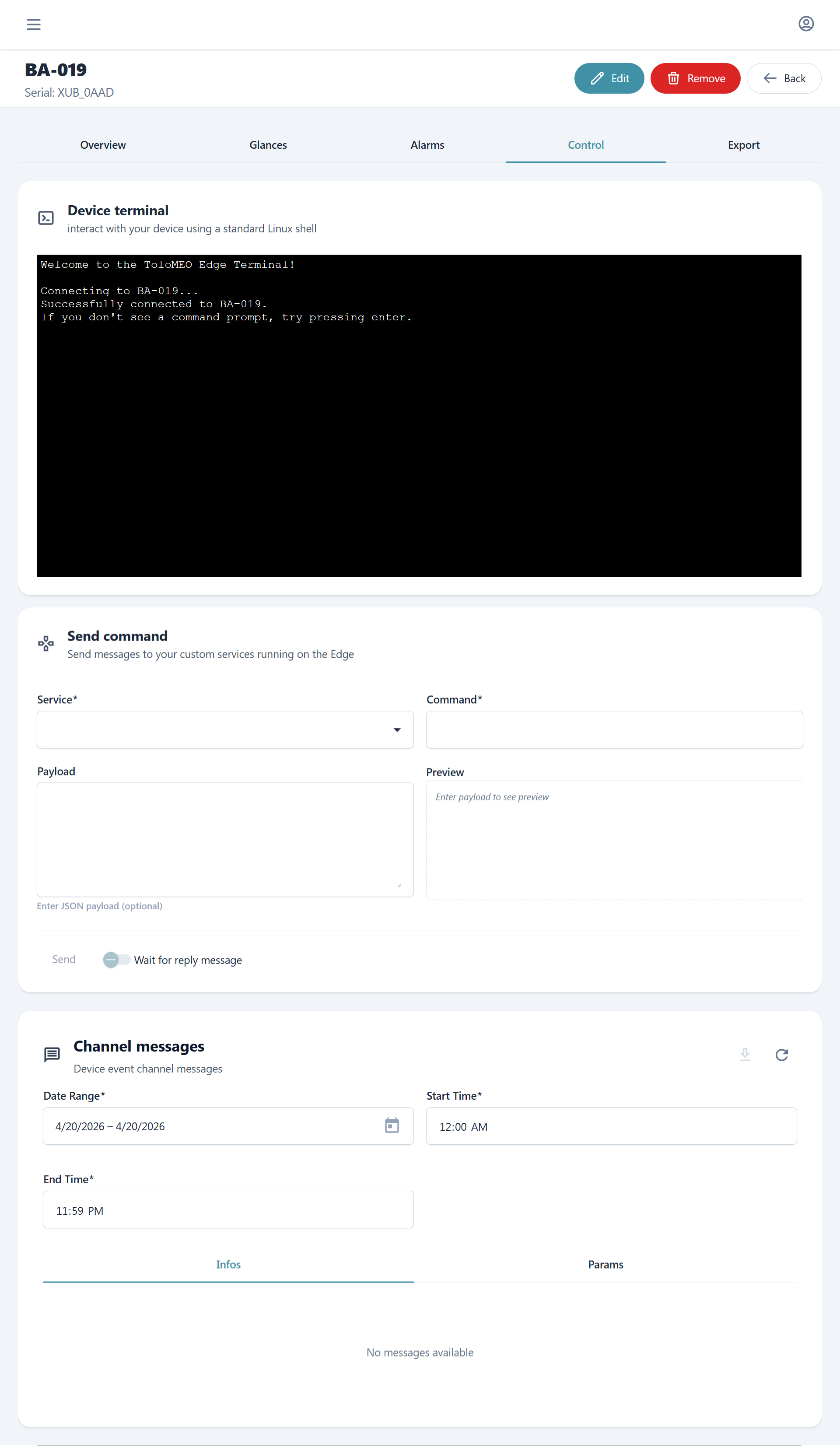
| Control | Panel for sending commands and actions to the device and viewing command history |
| Export | Download of historical telemetry data |
The Control panel is used to trigger OTA state machine transitions (see OTA Release) and to send commands to on-device services (see IoT and Telemetry).
Fleet status
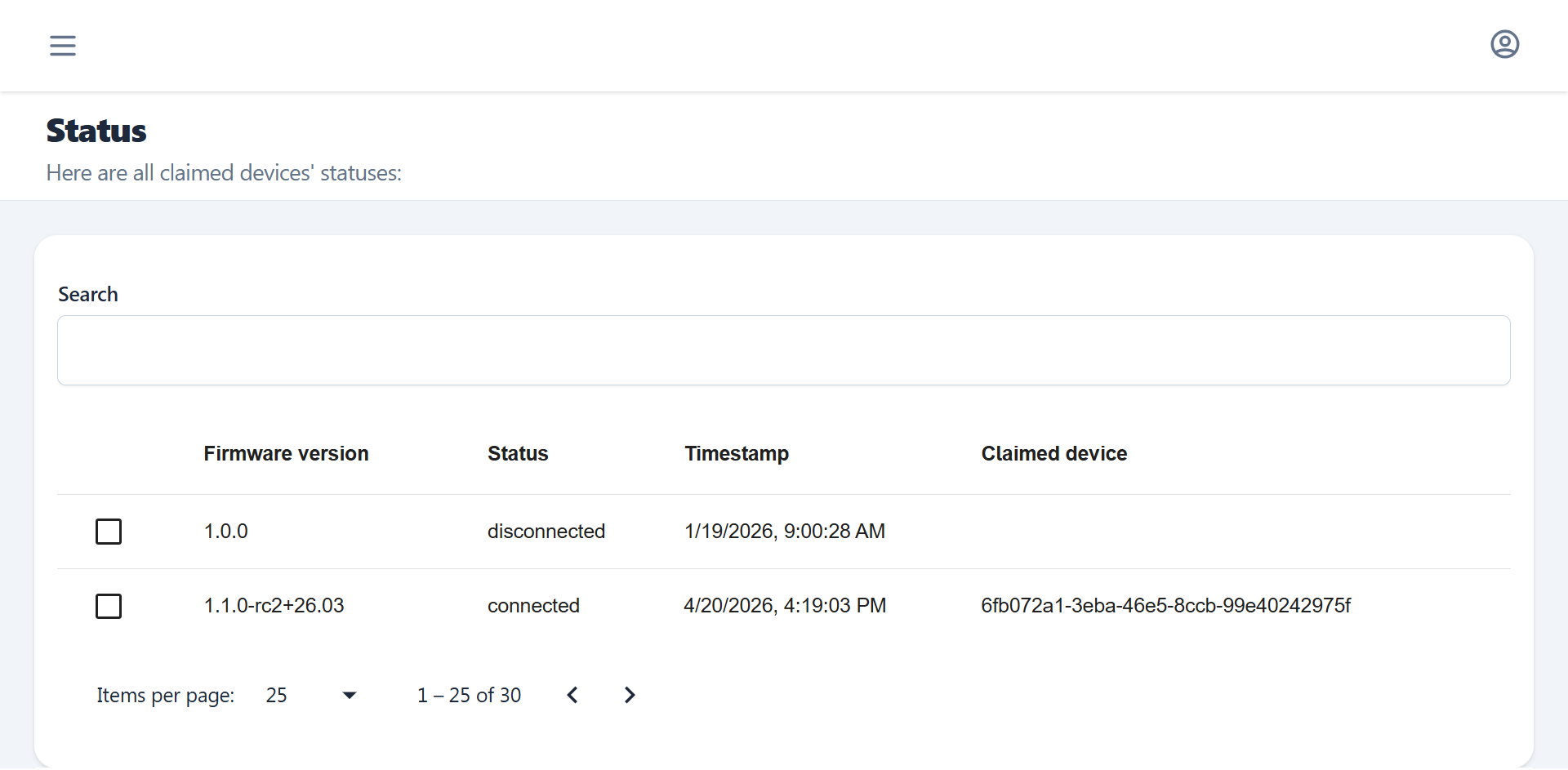
The Status view gives a health overview of connectivity, reachability and firmware status across the entire fleet, useful for quickly identifying groups of offline, degraded or out of date devices.
Note
Devices appear in Fleet Manager only after they have been provisioned with certificates (view Provisioning flow). Provisioning registers the device and sets up the communication channels it needs to report telemetry and receive commands.
Alarms
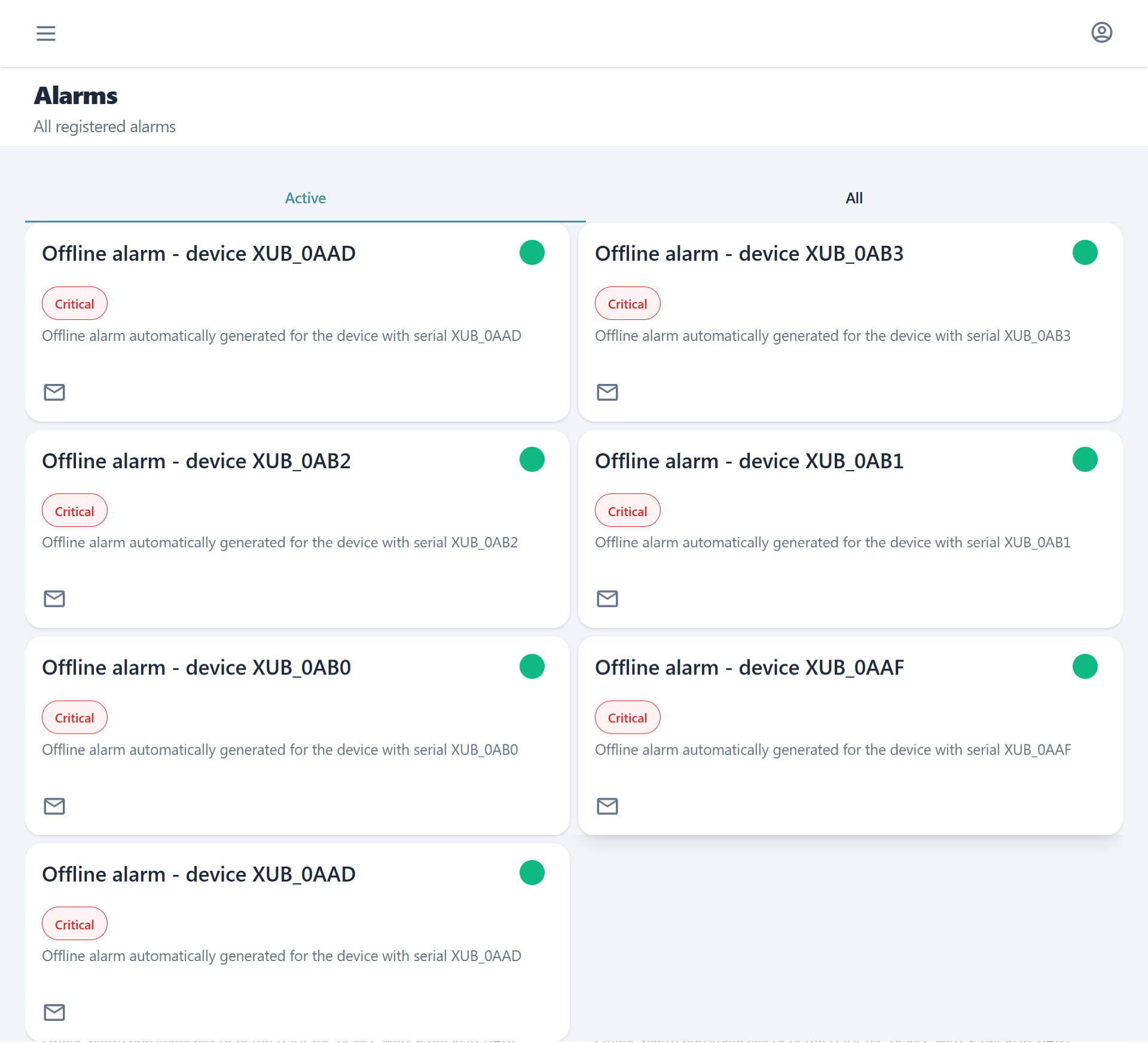
The Alarms view aggregates alarm events across all devices in the fleet, providing a cross-device overview without having to navigate to individual device pages.