Production Management System
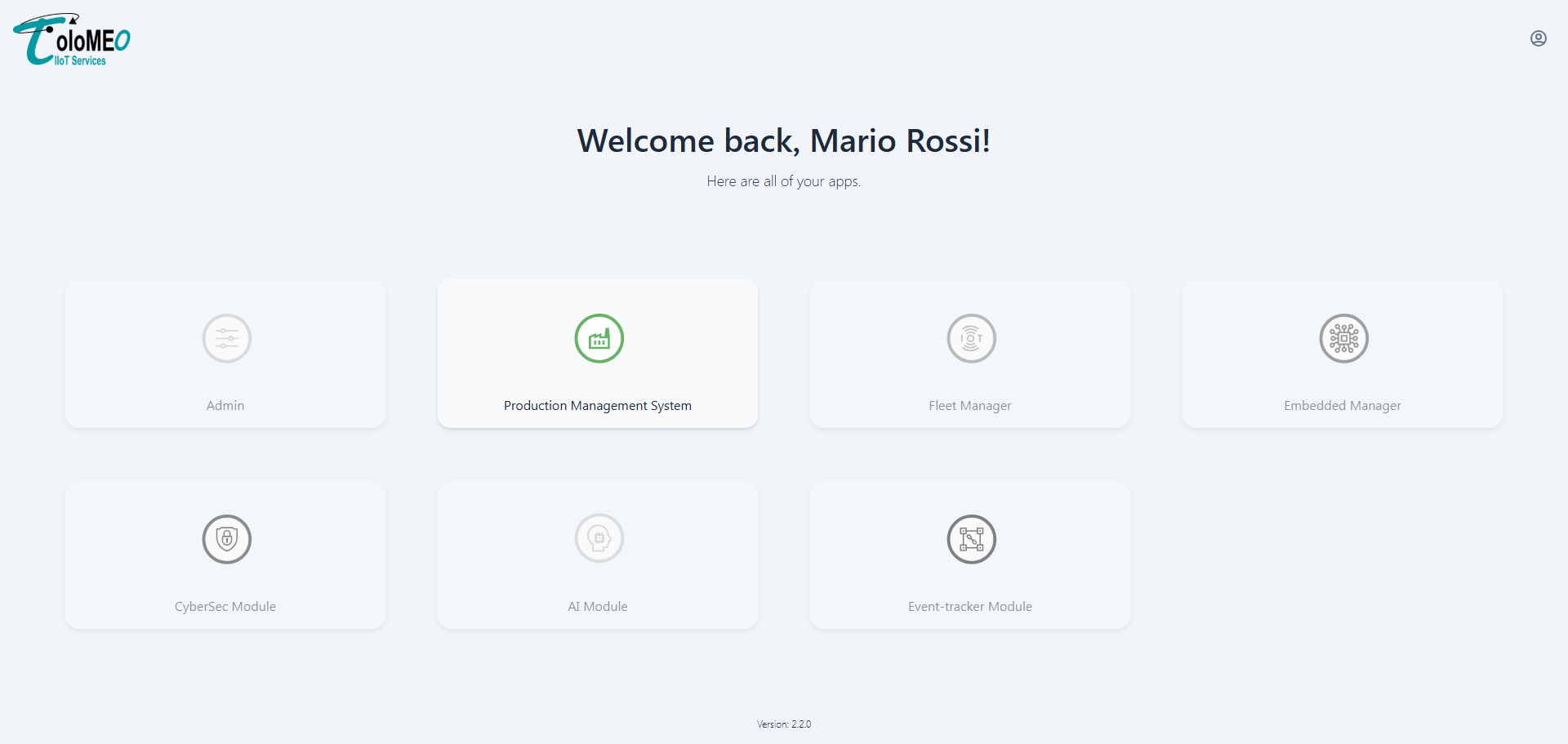
The PMS is the production backbone of ToloMEO. It manages the full hardware lifecycle from the definition of hardware component types through to production, event tracking, and firmware version management.
Sub-modules
| Sub-module | Description |
|---|---|
| Parts | Hardware component type catalog |
| Devices | Physical device lifecycle: infos and events aggregate |
| Events | Internal and public lifecycle event tracking per device |
| Customers | Customer records and their associated custom parts |
| Device groups | Groups of devices aggregated by filtering options |
| Models | Firmware targets and OTA release management |
| Open orders | Open sales orders and their scheduled deliveries |
The PMS home dashboard provides a high-level production state overview across all sub-modules.
The listings in PMS, including devices, parts, and events, are backed by a filtered table: beyond a plain text match, fields such as serial number and name support operators like contains, equals, and value ranges, and columns backed by a fixed set of values can be filtered by selecting one or more of them. The table can also export its current rows to a data file and copy individual columns to the clipboard. The same filtered table is shared with Fleet Manager and Administration.
Parts
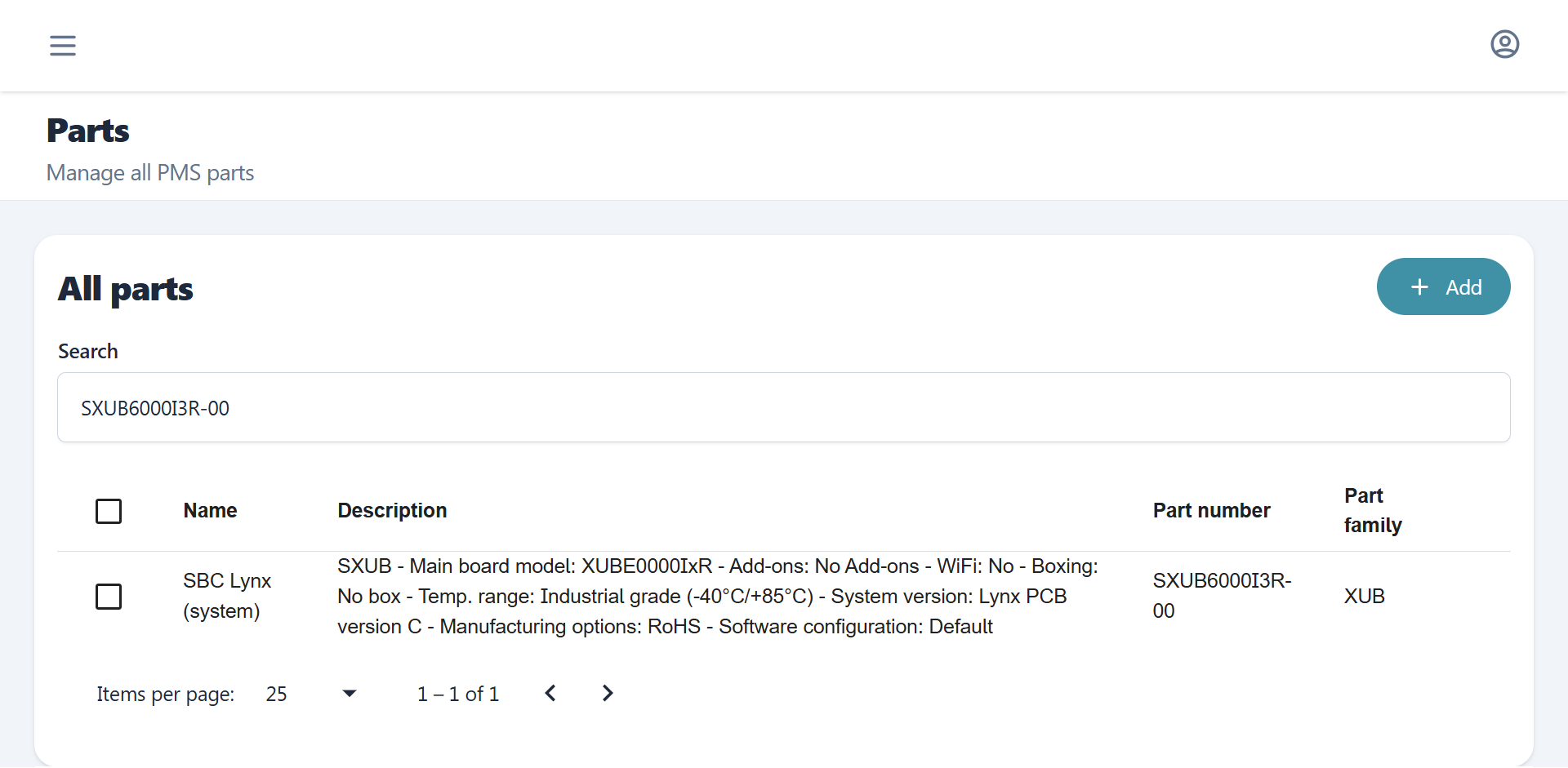
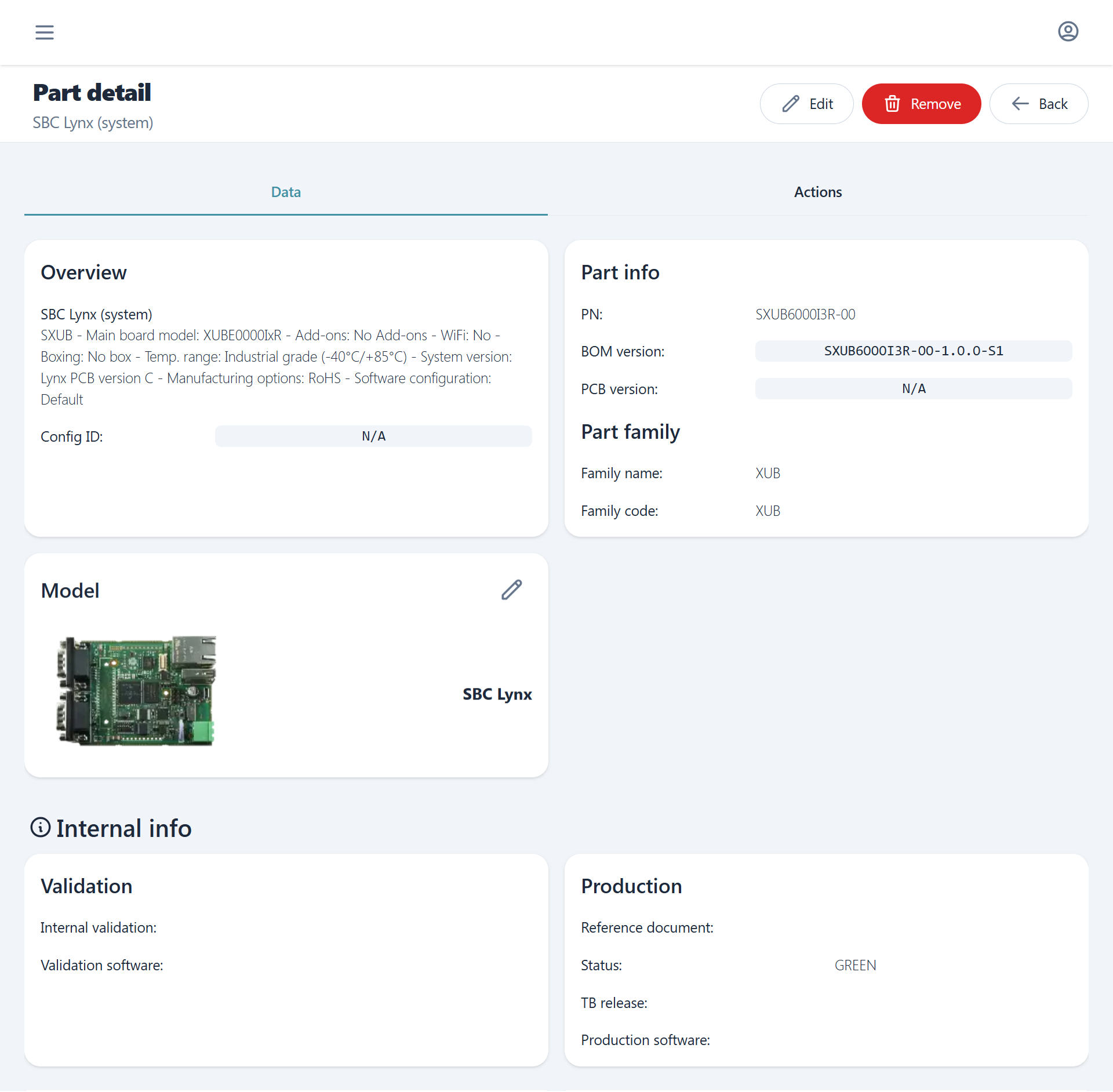
A part represents a specific hardware variant identified by its part number and PCB and BOM revisions. Parts are the hardware type catalog from which physical devices are instantiated. Parts can be organized into part families and composed into hierarchical assemblies via sub-parts. Customer-specific variants can be defined as custom parts without duplicating the base part record. See PMS Setup for the full workflow of defining parts, families, and models before manufacturing.
Devices
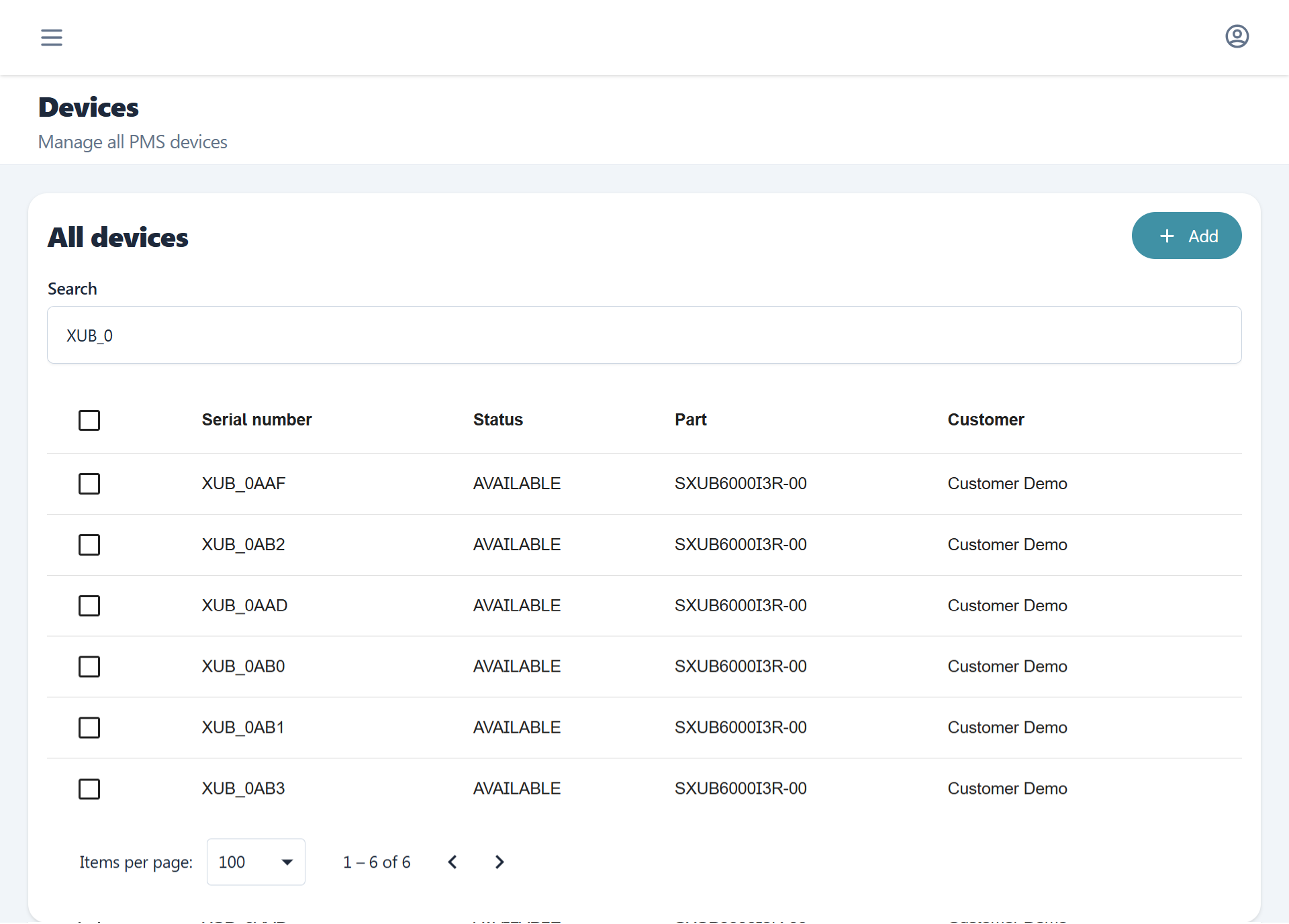
A device is a physical unit registered in ToloMEO on creation. Devices reference a part (their hardware type) and are assigned to a customer. Devices as resources can be created through the ToloMEO CLI, which registers them in the platform. See the Device Provisioning flow for the full manufacturing and registration process.
Devices can be organized into device groups for bulk operations and targeted OTA delivery. Devices support parent and sub-device relationships for hierarchical assembly tracking.
Events
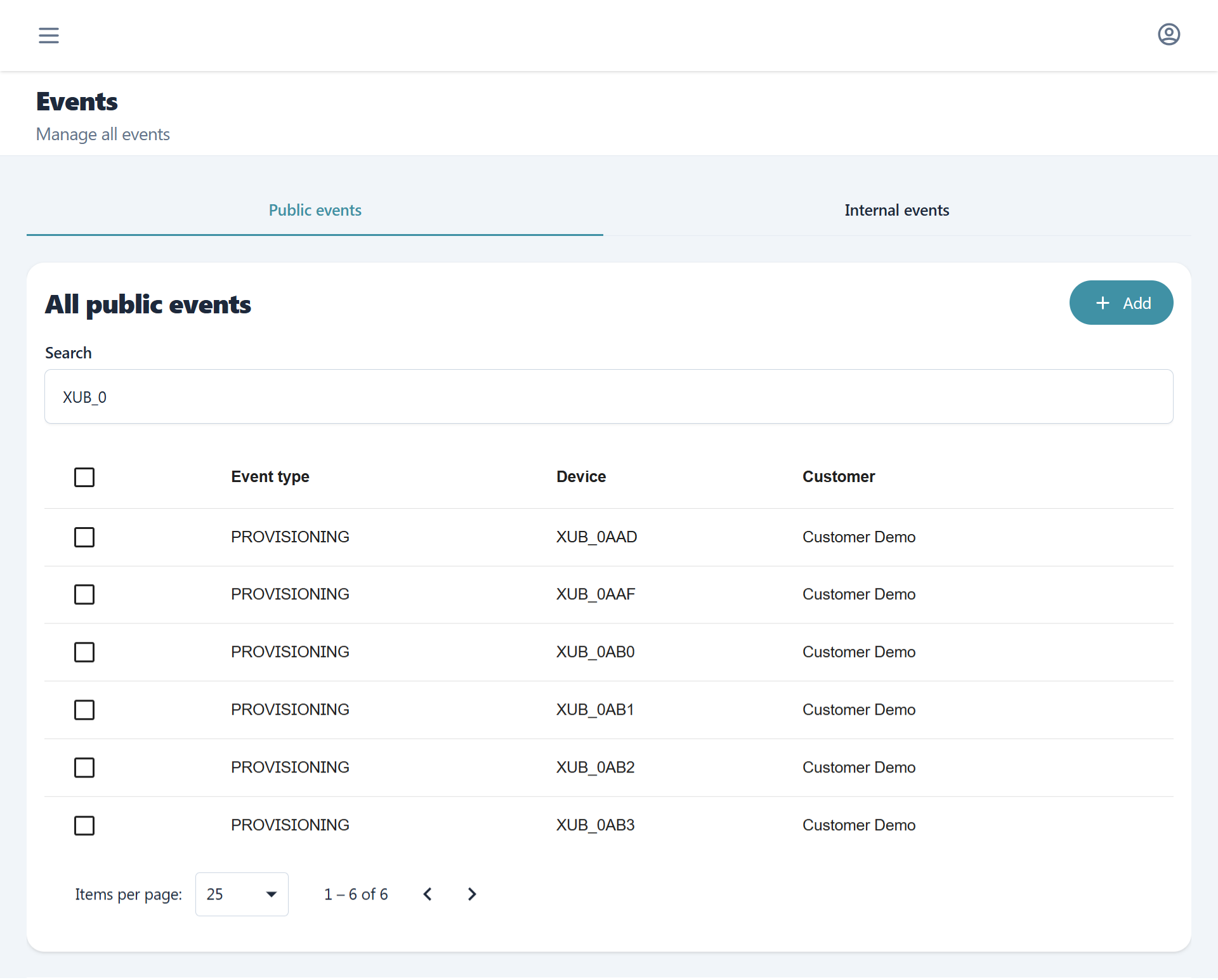
Events record lifecycle milestones for individual devices. There are two categories:
- Public events
- Significant milestones visible to customers. Created either by operators or automatically when a device transitions state.
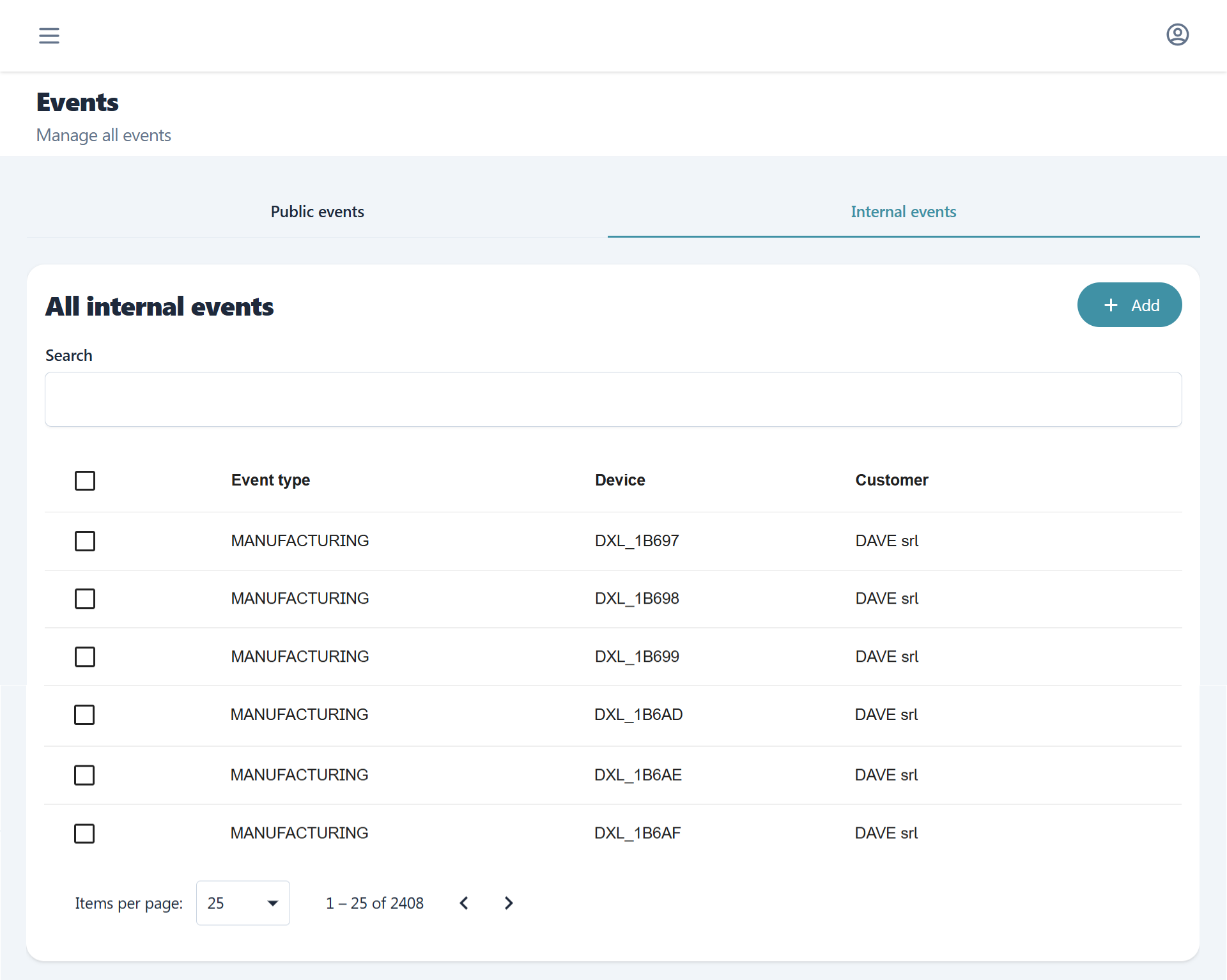
- Internal events
- Recorded by operators. Used for production notes, validation results, and QA records. Not visible to end customers.
Customers
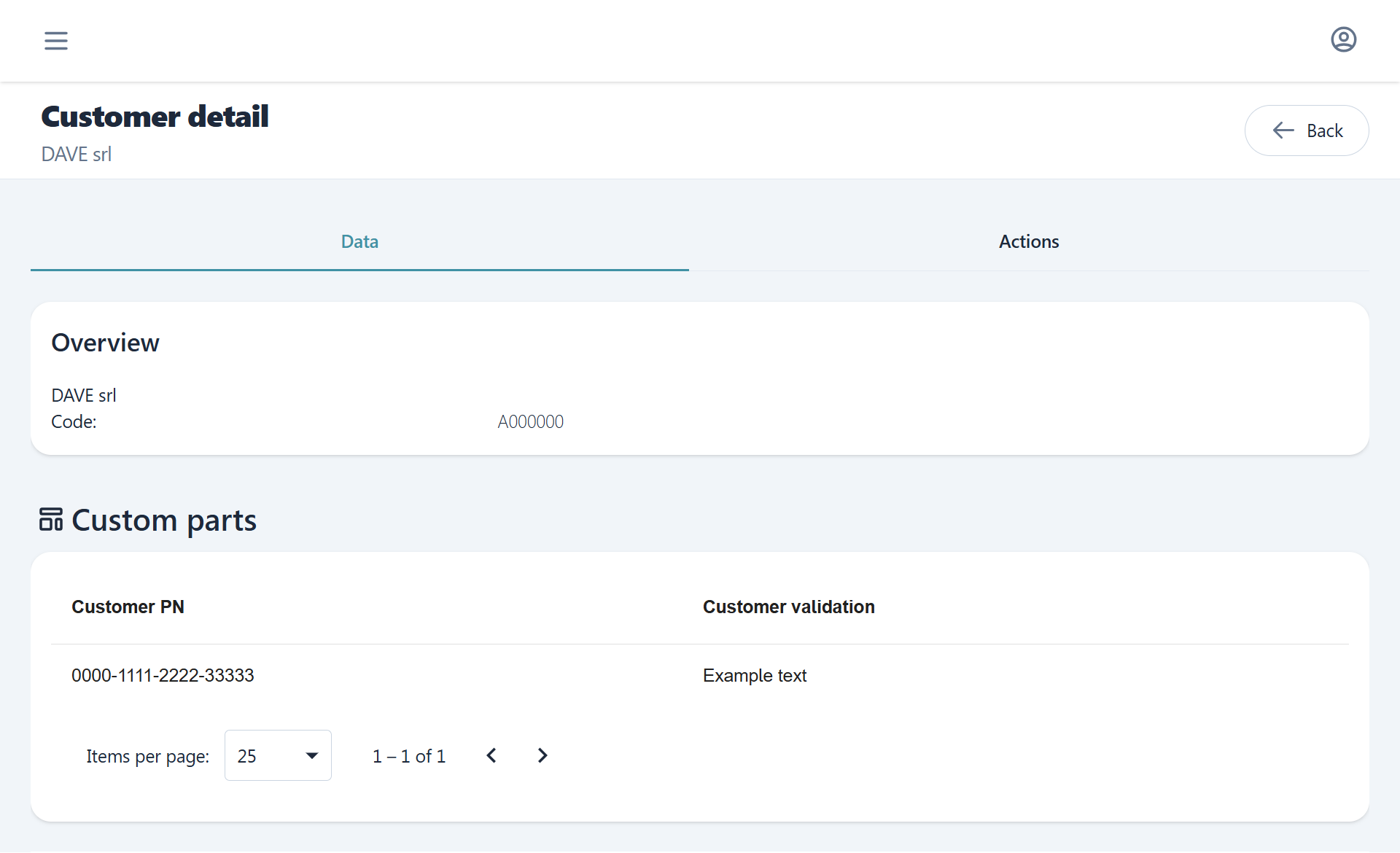
The Customers sub-module within PMS manages the association between customers and their custom parts. For user and permission management of the same customer entities, see Administration.
Device groups
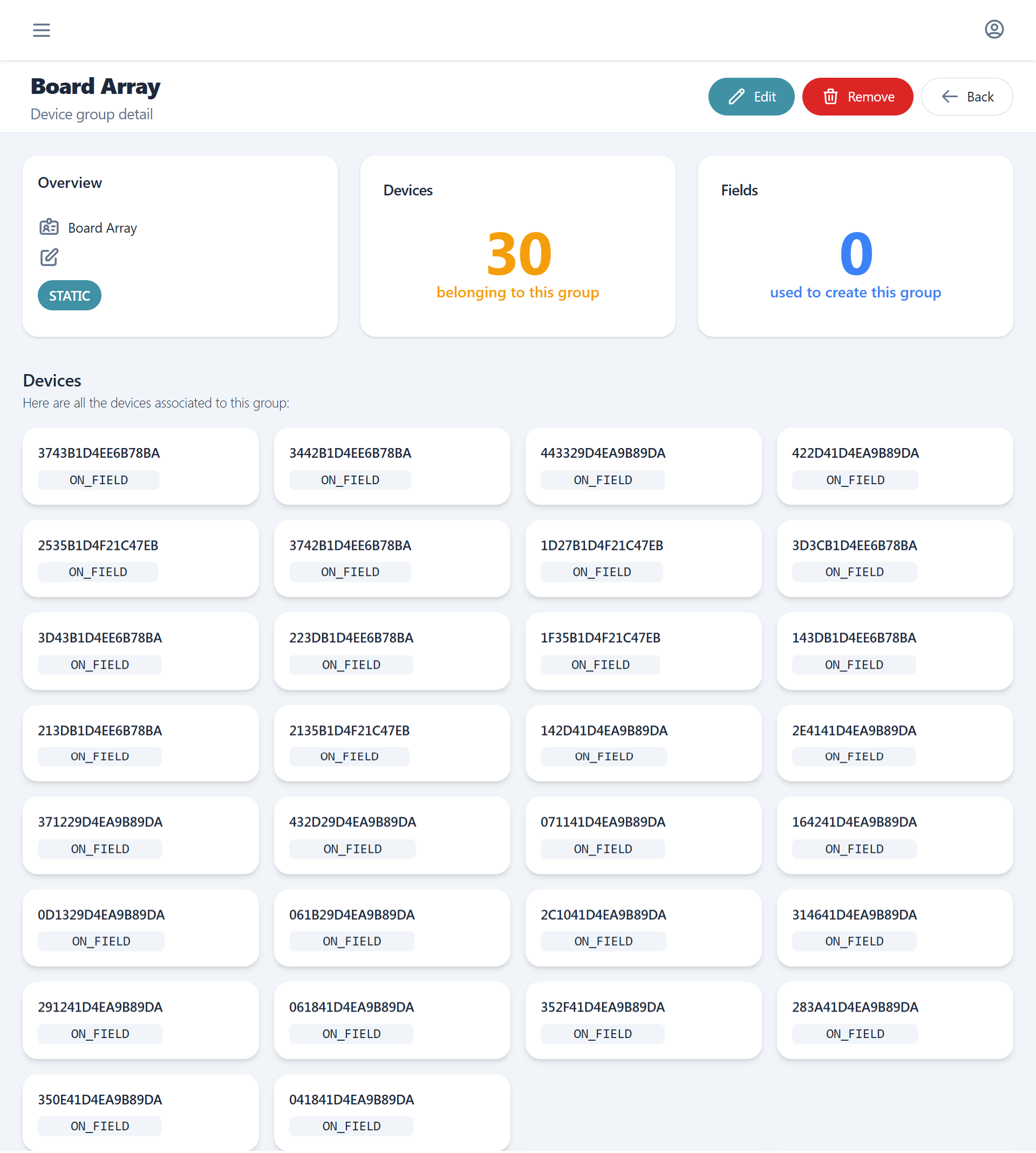
Devices can be organized into device groups either through static or dynamic groups. Static groups aggregate finite device selections into device groups, while dynamic groups leverage a filtering system for smart grouping systems.
Models
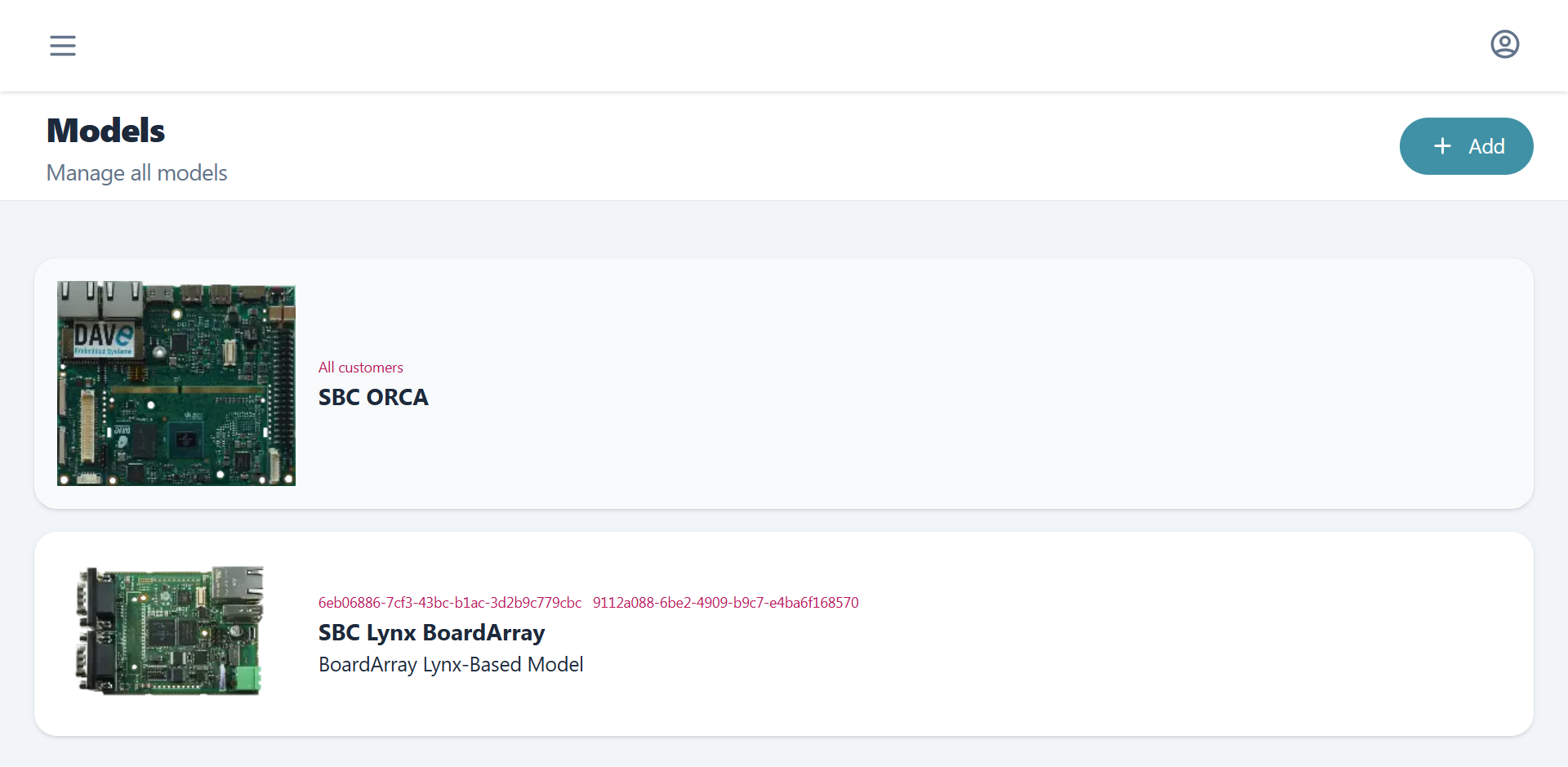
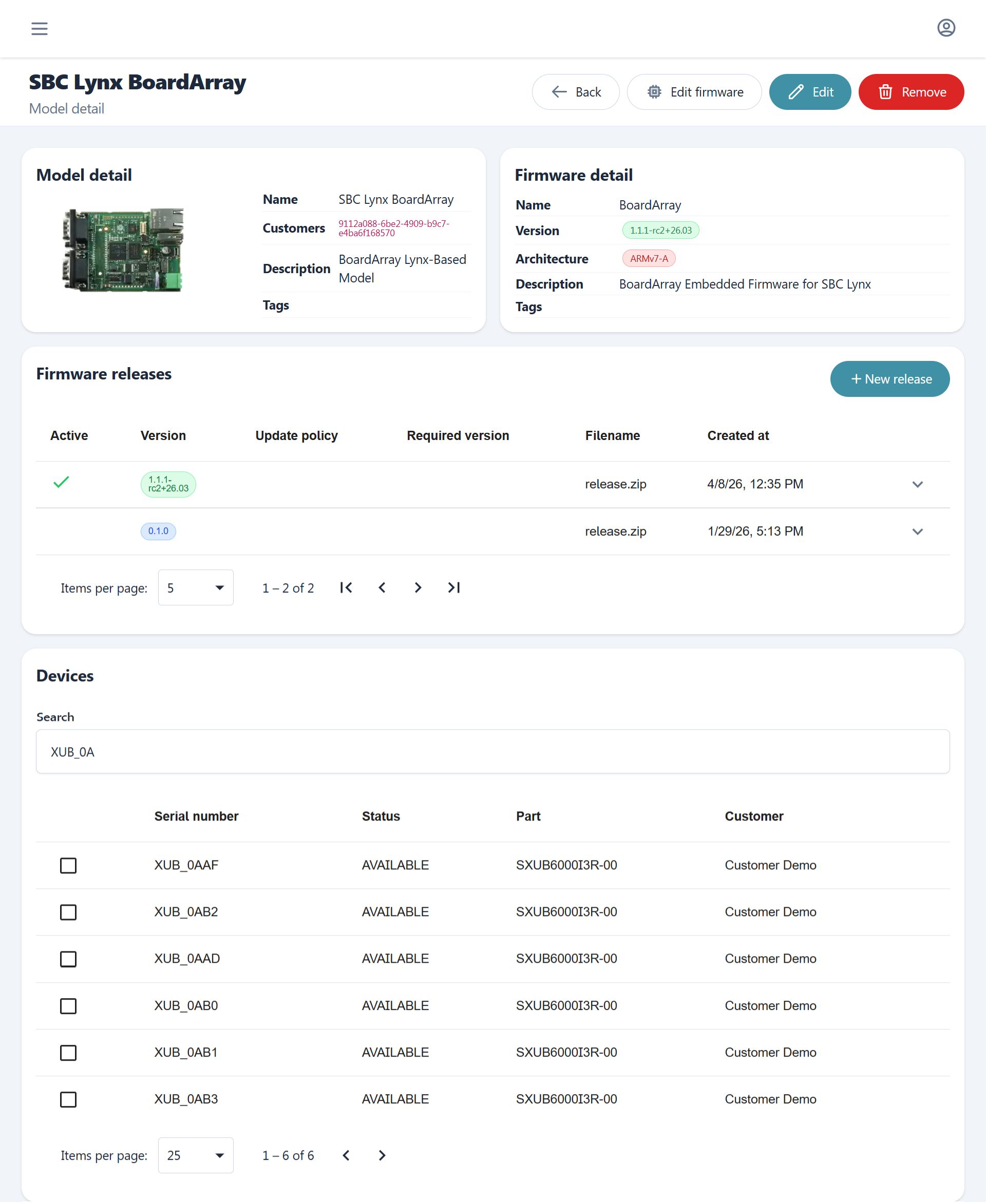
A model is the central linking entity across the platform. It joins a customer, a part (hardware type), and a firmware version, and is the reference for both OTA firmware delivery as well as BOM and CVE tracking in Cybersecurity
Inside each model users can view firmware details as well as linked device states. New firmware releases can then be uploaded and served to devices upon activation (view Update flow).
When creating a release you provide a version (validated as semantic versioning and unique within the model), optional minimum and maximum compatible versions, release notes, and a flag marking the update as mandatory. The firmware artifact itself can be provided in two ways: by uploading the file directly, or by pointing to a direct URL where it is already hosted. In this last case the user must ensure that the file is publicly accessible for boards to download the firmware.
Open orders
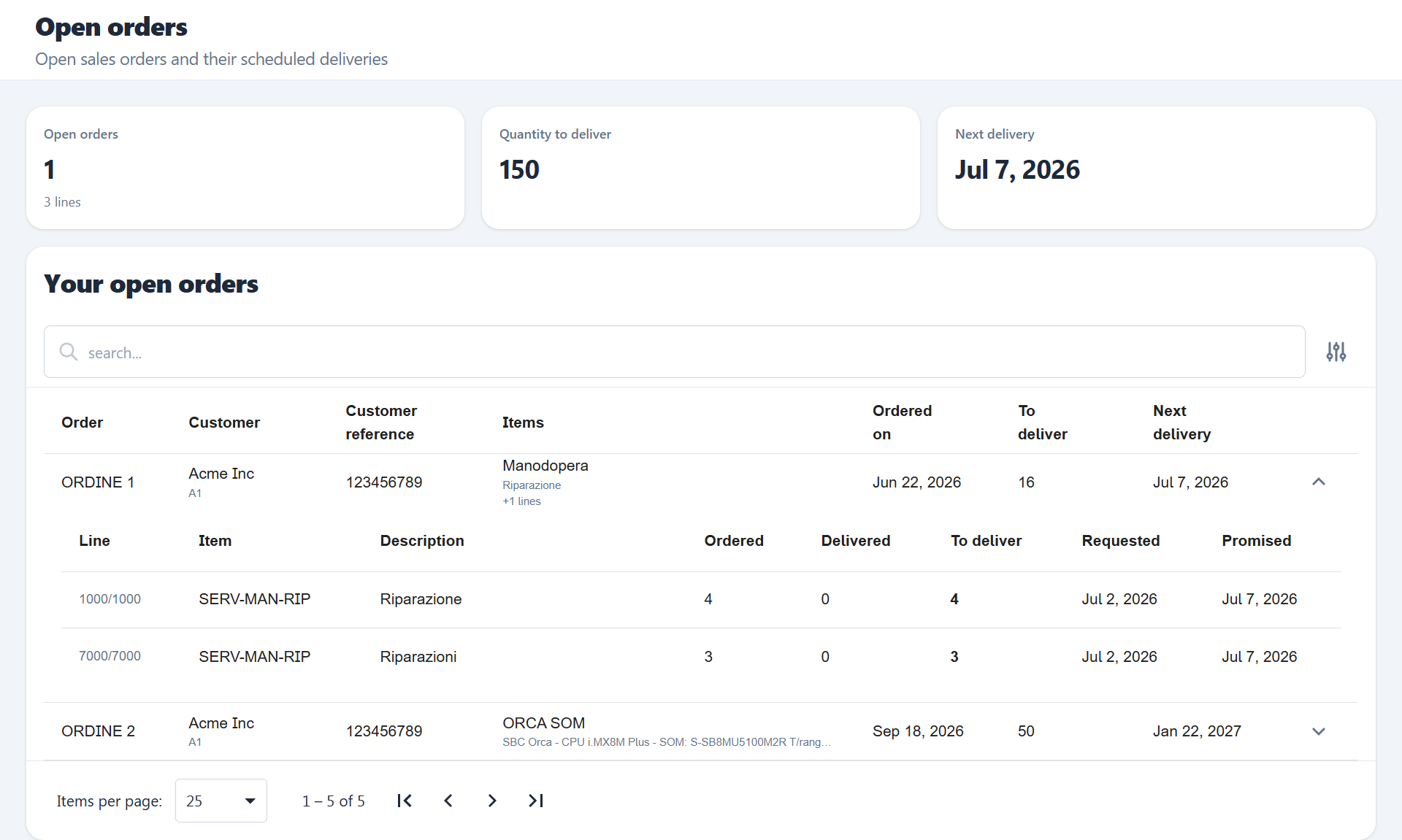
The Open orders page lists the sales orders that still have quantities to deliver, together with their scheduled deliveries.
Above the table, a set of totals summarizes all the orders currently matching the filters, not only the visible page:
- the number of open orders and of their delivery lines;
- the total quantity still to deliver;
- the earliest promised delivery date;
Each order shows its number, the customer reference, the items it contains, the order date, the quantity still to deliver, and its next promised delivery. Orders are sorted by next delivery by default and can be filtered with the same filtered search bar used across PMS, including date ranges on the order and delivery dates.
Expanding an order shows its delivery lines. Each line reports the item, with the customer's own item code when available, its description, the ordered, delivered, and remaining quantities, and the requested and promised delivery dates.