Fleet Manager
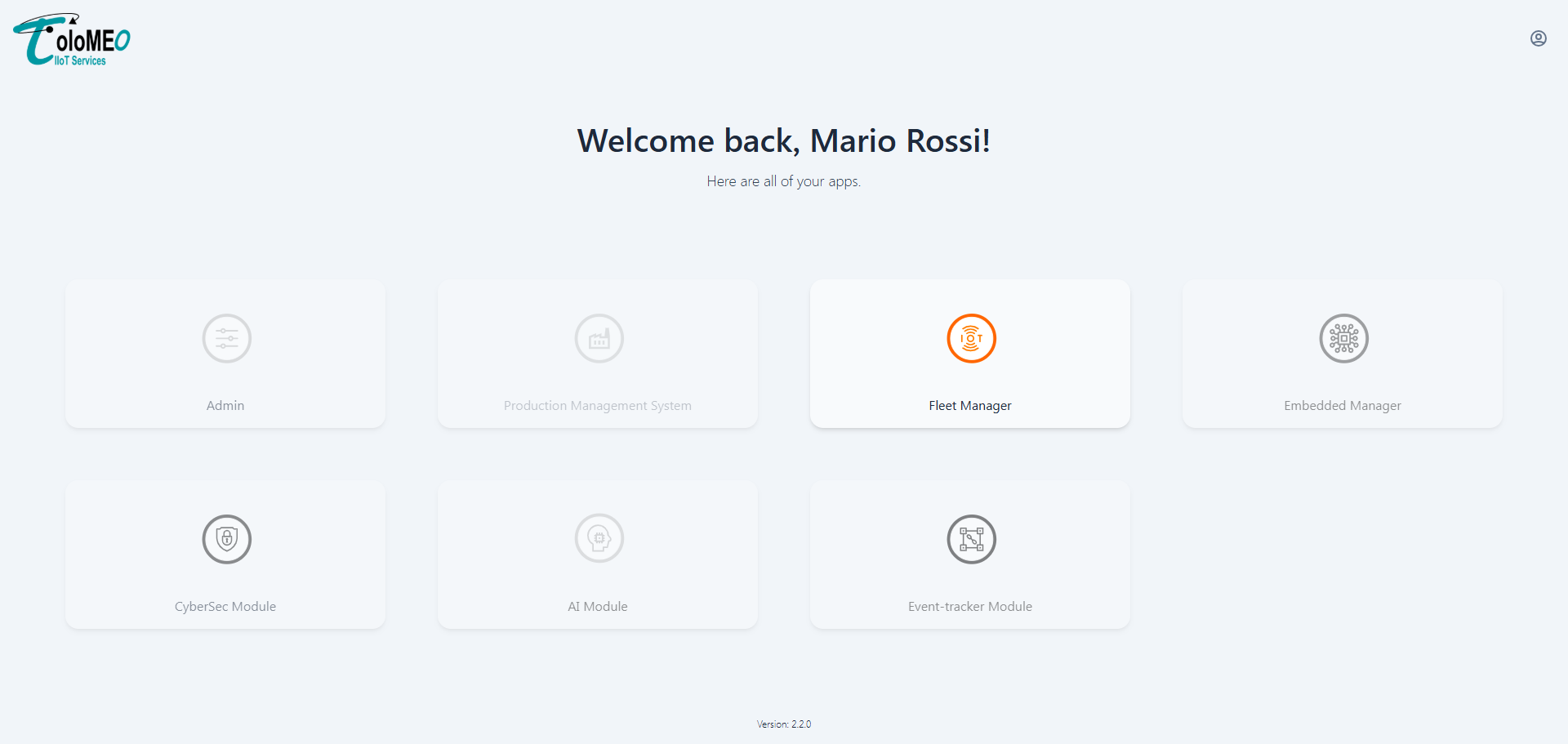
The Fleet Manager provides real-time monitoring and control of all provisioned devices belonging to a customer. It gives operators a live view of the fleet's connectivity status, firmware versions, telemetry data, and alarms, as well as the ability to send commands directly to individual devices.
Device list
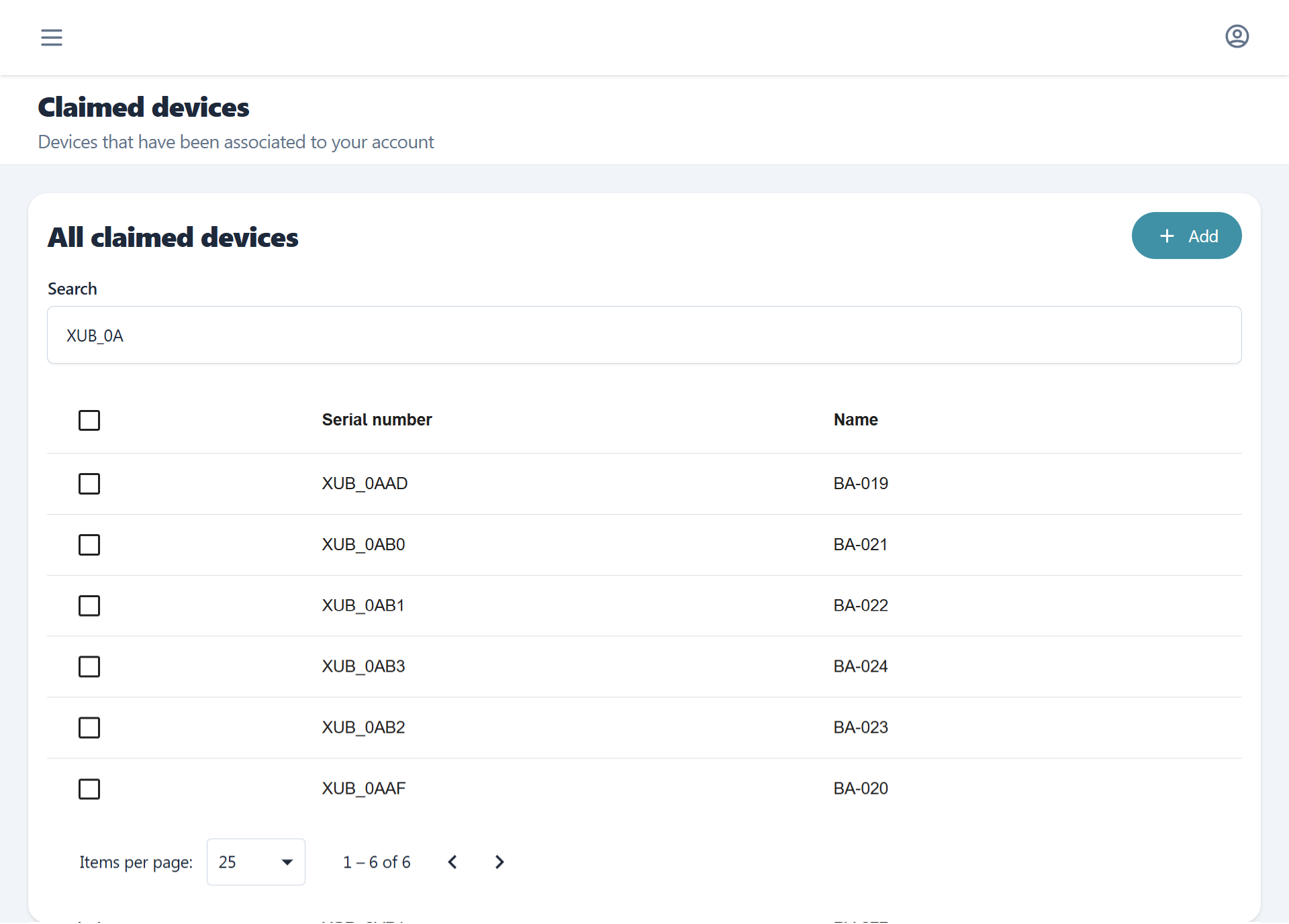
The main view shows all provisioned devices for the tenant with a filtered search bar to locate them. Beyond a plain text match, serial number and name support operators such as contains, equals, and value ranges, and columns backed by a fixed set of values can be filtered by selecting one or more of them. The same filter bar is used across Fleet Manager, PMS, and Administration. The table also supports quickly exporting its current rows to a data file and copying individual columns to the clipboard, so a filtered selection can be pulled out for use elsewhere without leaving the page. The view also gives the option to provision new devices (view Provisioning flow).
Selecting a device opens its detail view.
Device detail
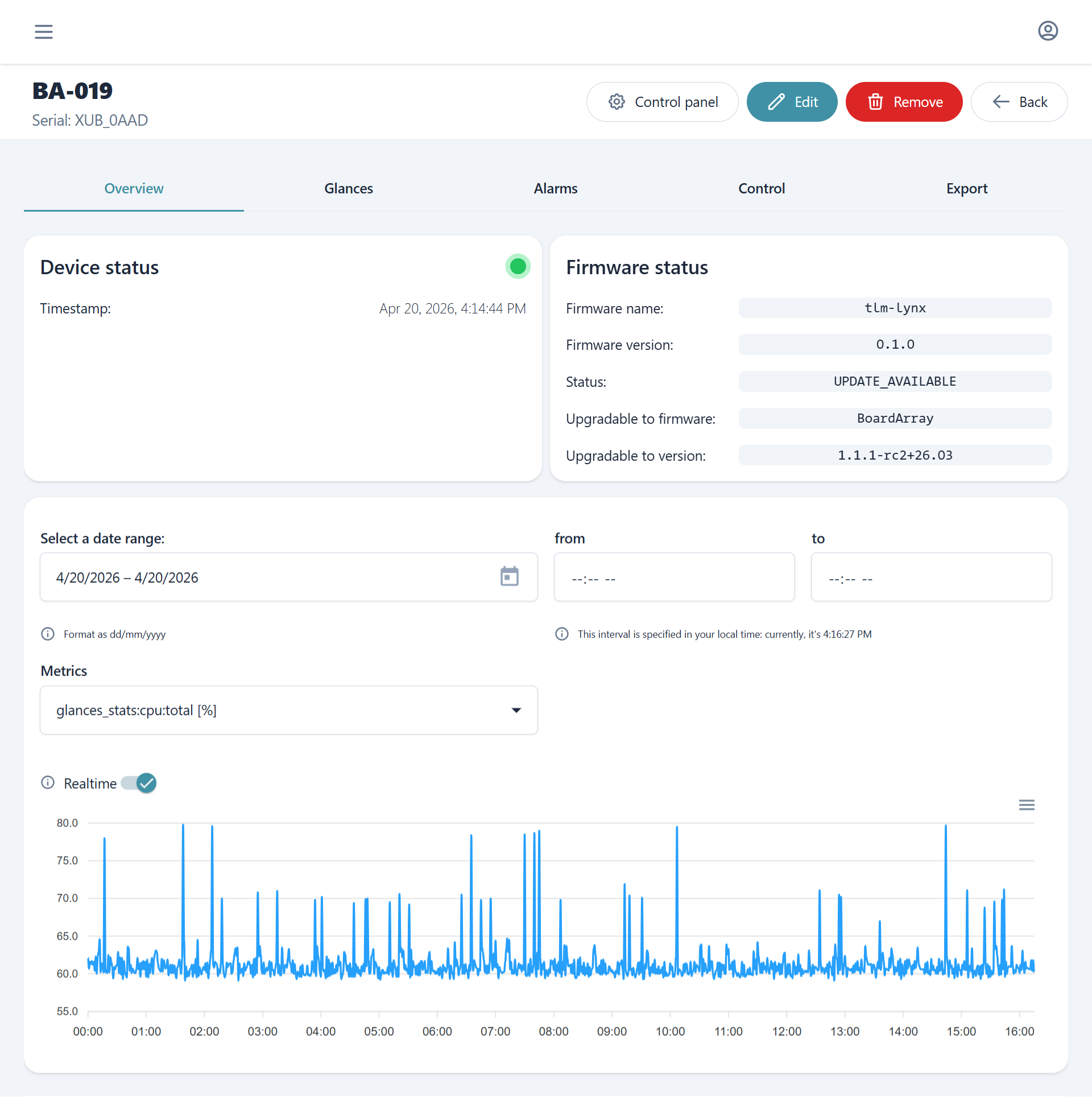
Each device has a dedicated page split into sections covering connectivity, system history, alarms, command and control, and telemetry export. See Device Detail for a breakdown of each section and the actions available within it.
The Control tab provides an interactive device terminal and a form for sending commands to on-device services. See Control for the supported command types, their parameters, and how to read command history.
Fleet status
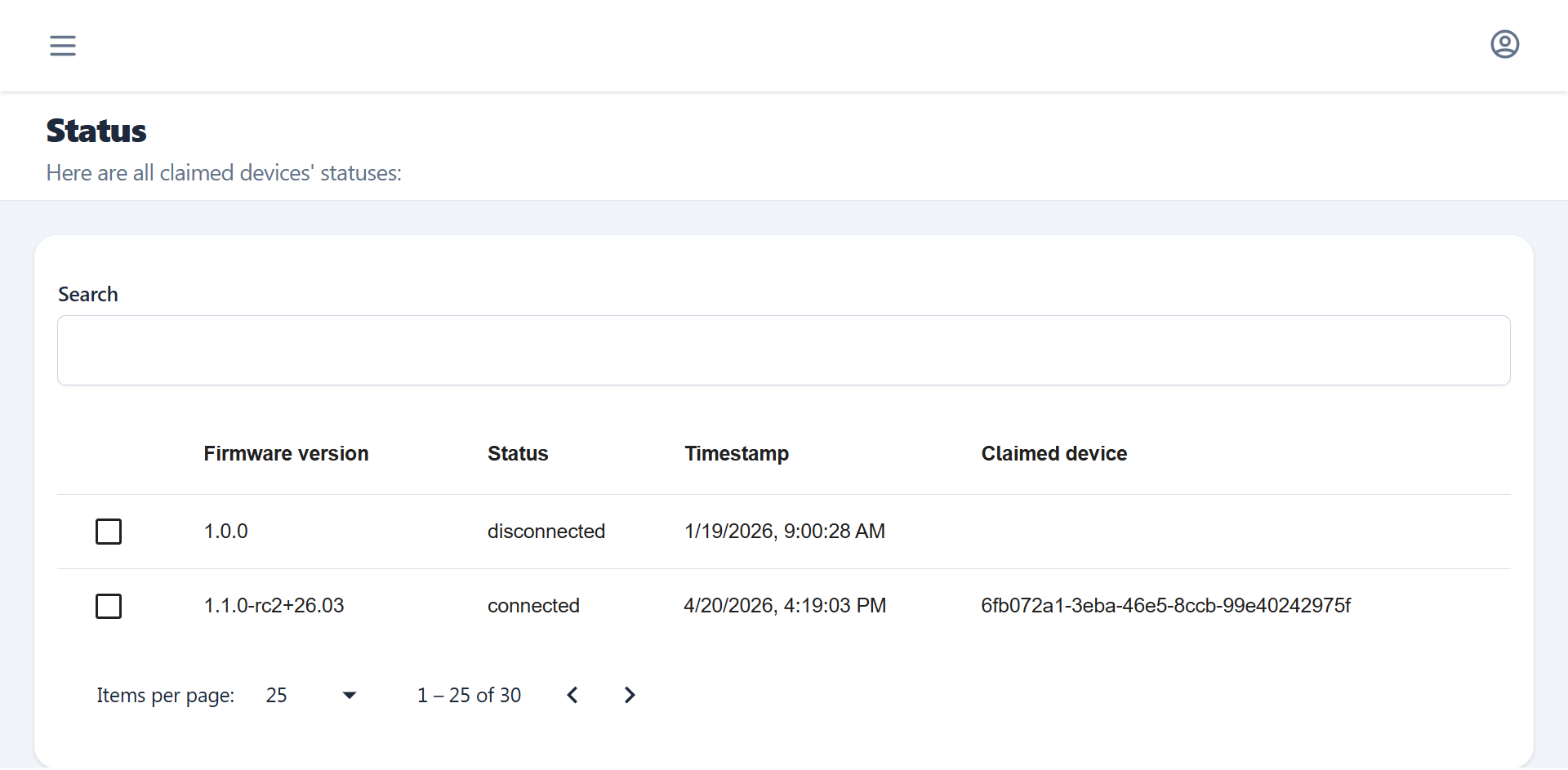
The Status view gives a health overview of connectivity, reachability and firmware status across the entire fleet, useful for quickly identifying groups of offline, degraded or out of date devices.
Note
Devices appear in Fleet Manager only after they have been provisioned with certificates (view Provisioning flow). Provisioning registers the device and sets up the communication channels it needs to report telemetry and receive commands.
Alarms
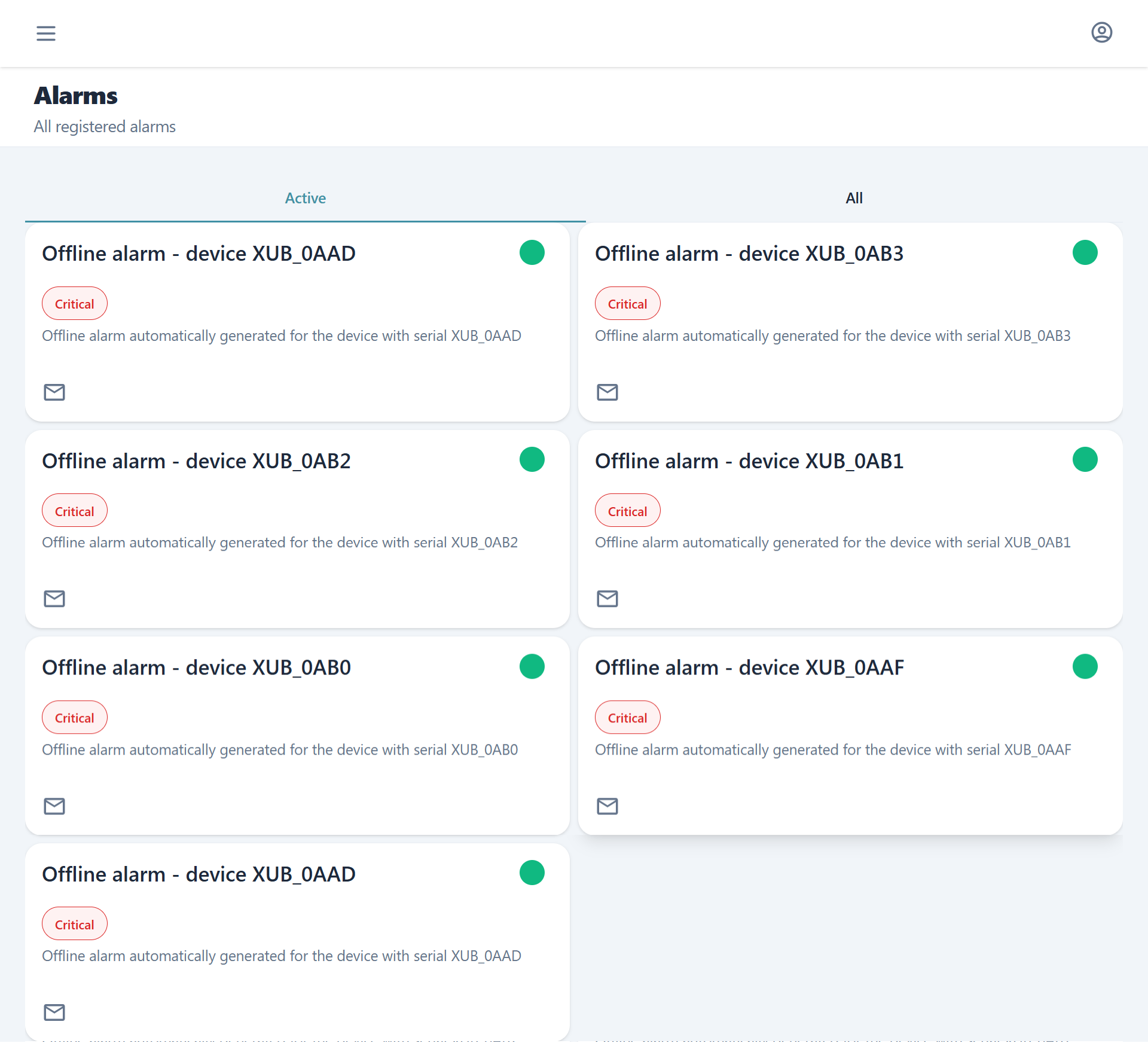
The Alarms view aggregates alarm events across all devices in the fleet, providing a cross-device overview without having to navigate to individual device pages.