Administration
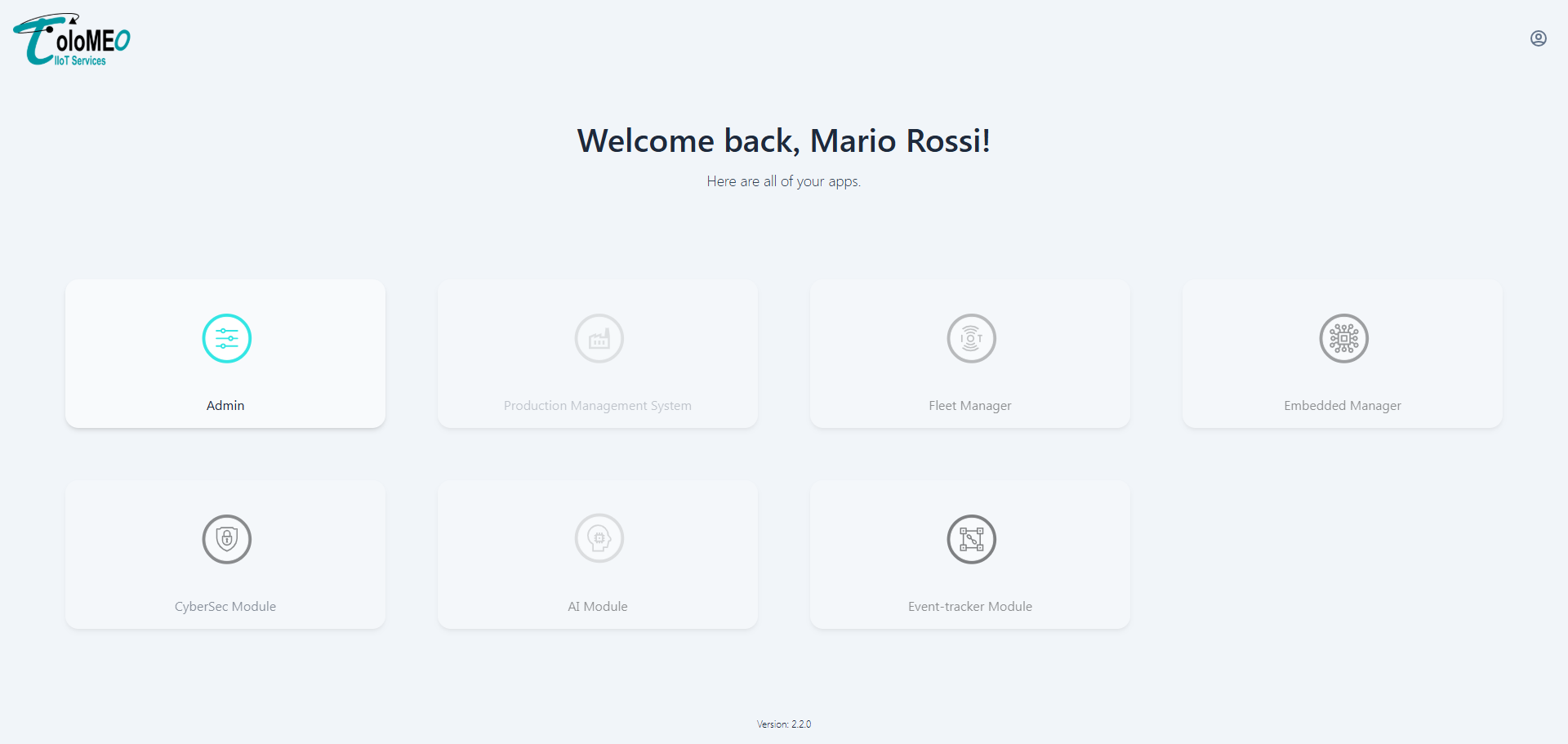
The Administration module is the entry point for managing who has access to the platform and what they can do. It covers the creation and management of customers (per tenant), the assignment of users to tenants and customers, and the configuration of permissions.
Customers
A customer in ToloMEO is the top-level organizational unit. Each customer has its own isolated space on the platform with its own users, devices, and data. Customer records are also referenced from PMS for associating hardware and custom parts. See PMS Setup for the full workflow of creating customers before manufacturing begins.
From the Admin module an operator can:
- Assign and remove users
- Review associated users
- Assign roles to users
- Manage roles permissions
Utilization
The Utilization page, under Customer management, shows what a customer uses on the platform. Users who can see more than one customer pick the one to show from the page header.
The page is split in the following sections:
- Production shows the customer's devices and public events, each with how many were added in the last 30 days, its custom parts, and its open sales orders with the pieces still to deliver. It also charts the new devices per month over the last 12 months, the devices by status, and the public events by type.
- Fleet Manager shows the customer's claimed devices with how many are connected now, its models split between its own and the shared ones, its firmware releases with how many were added in the last 30 days, and the latest five firmware releases.
- Embedded Manager lists the projects of the customer's own models, each with its number of builds and the status and date of its latest build, linking to the model's builds.
- Cybersecurity lists the customer's own tracked models, each with its Active release and its number of tracked releases, linking to the model page.
Each figure also requires the permission to list what it counts. When it is missing, the corresponding card shows "not available" while the rest of the page loads normally. The Embedded Manager and Cybersecurity sections are shown only to users allowed to list Embedded Manager projects and tracked models respectively.
Permissions
ToloMEO serves a simplified interface scoped to customer management. Exposes a fixed set of permission toggles per customer role. Each toggle activates or deactivates a specific capability for that role.
Toggles are grouped by the platform area they govern, so that access to devices, parts, customers, events, firmwares, exports, and the Cybersecurity module can each be granted independently. Within Cybersecurity the toggles are further split by action, letting a role, for example, view findings without being allowed to triage them or manage alarms.
Note
Enabling a permission toggle in the Admin UI translates directly to a policy update in the underlying IAM system, taking effect immediately for all users with that role.